Extension Details

- Prism Zero
- by Rino
- 13 Recent Installs | 44 Total Installs
- Prism Zero Light and Dark themes for Panic Nova.
- Repository
- Bug Reports
Readme
Prism Zero
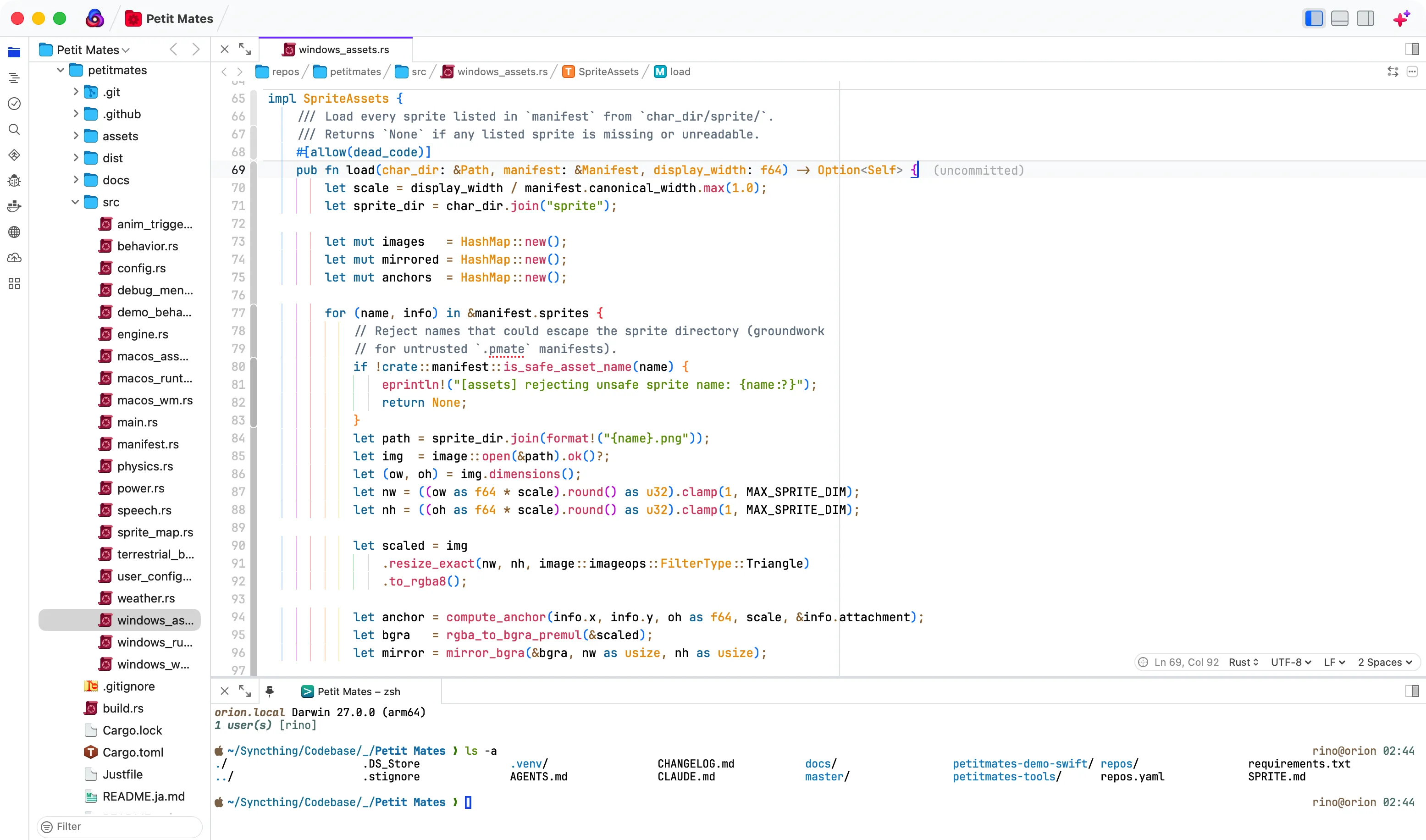
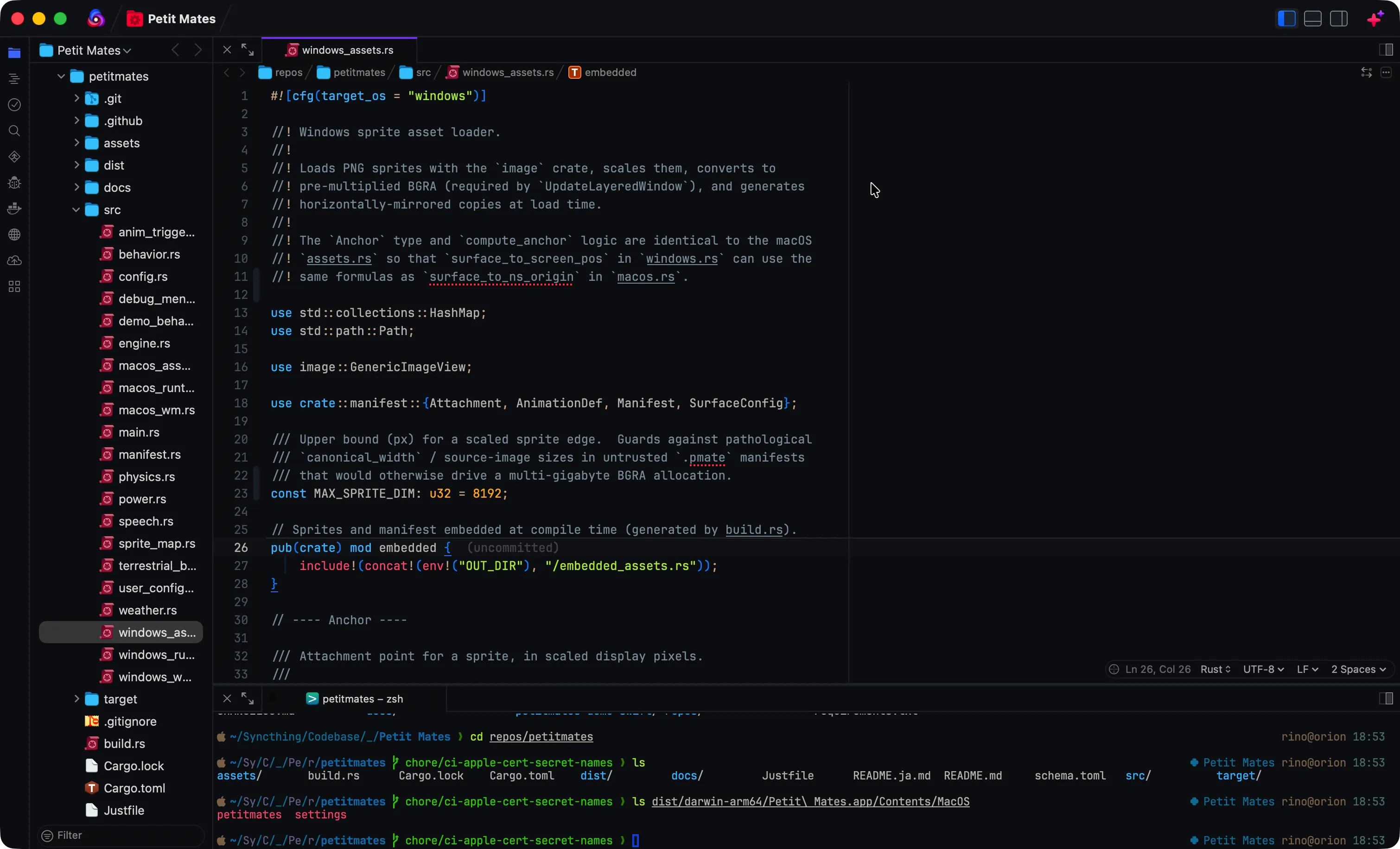
Light and Dark color themes for Panic Nova, based on PrismJS syntax colors (adjusted for UI chrome and dark backgrounds).
Screenshots
Light
Dark
Themes
- Prism Zero Light — light UI with Prism-style syntax colors
- Prism Zero Dark — dark UI on
#0c0e13with the same syntax family
Install
Install from Nova's Extension Library, then choose Prism Zero Light or Prism Zero Dark under Themes.
More of Prism Zero
Prism Zero also provides matching Light and Dark themes for Visual Studio Code, Cursor, Panic Nova, Neovim, iTerm 2, Prompt 3, Ptyxis, Windows Terminal. Theme files and install notes: https://github.com/rinodrops/prism-zero.
Release Notes
1.0.6
- Point Extension Library screenshots at GitHub-hosted WebP URLs
1.0.5
- Extension Library README screenshot adjustments (absolute https URLs; WebP)
1.0.0
- Initial release